
Key points in 30 seconds
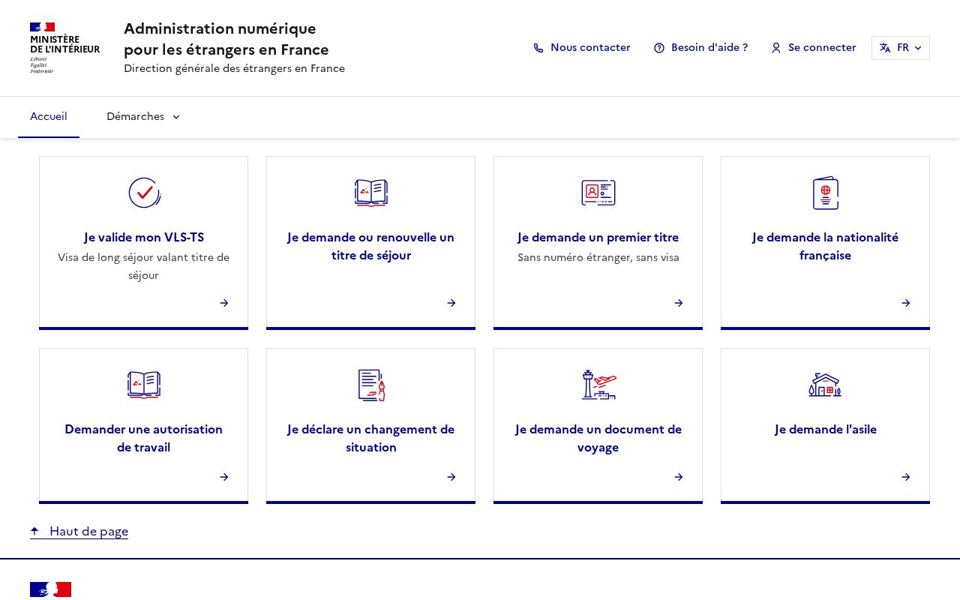
- Open ANEF.
- Log in.
- Choose the procedure.
Sign up
Create an account or use FranceConnect. Use a permanent email address.
Advice from the association
Don't leave this procedure to the last minute — come and see us.
Track your file
“Mes demandes” shows the stage: submitted, under review, documents requested, decision.
Common mistake
Temporary email.
Reply to requests
Upload documents in the same file before the deadline.
Common mistake
Duplicate files.
Get help
A prefecture digital access point or a France Services office can help.
Common mistake
Ignored requests.
Step by step
- 1Open ANEF.
- 2Log in.
- 3Choose the procedure.
- 4Upload documents.
- 5Track status.
Official documents and forms
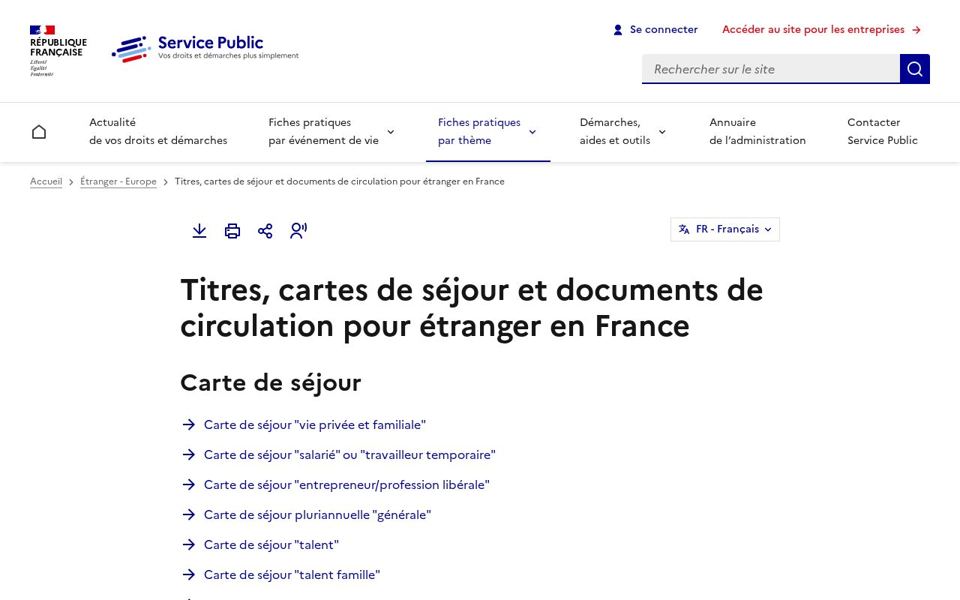
Official sources only. Links open the current version of each form.
Documents needed
Collected: 0 / 4
FAQ
Where is my foreigner number?
On your residence permit: 10 digits.
How to change email?
In profile settings, or via the support form.
What does “en cours d'instruction” mean?
Your file is being reviewed; watch for document requests.